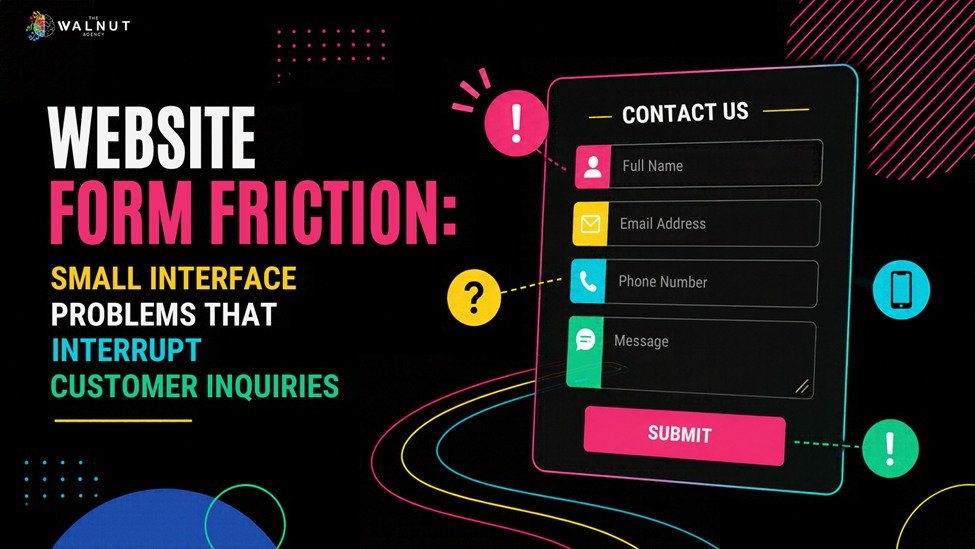
A website is often the first place potential customers interact with a business. While attractive design and useful content help create a positive impression, the way visitors interact with a website also matters. One important part of this experience is the contact form.
Contact forms allow visitors to share their details, ask questions, and express interest in a business’s services. However, small interface problems can make this process confusing or inconvenient. These issues are known as website form friction. Even when a website looks professional, an unclear or difficult form can interrupt the visitor’s journey before they complete an inquiry.
Understanding Website Form Friction
Website form friction refers to the small difficulties users experience while completing an online form. These problems can include confusing field labels, unnecessary information requests, unclear instructions, or forms that do not work properly on different devices.
A contact form should make communication easier rather than create additional steps. When visitors cannot understand what information is required or how to submit their details, they may leave without completing the process. This is why form functionality should be considered an important part of website development and user experience design.
Common Interface Problems That Affect Contact Forms
- Unclear Field Labels
Every form field should clearly explain what information visitors need to provide. Labels such as Name, Email, Phone Number, and Message help users understand what is expected. Missing or confusing labels can make the process less straightforward.
- Asking for Unnecessary Information
A contact form should collect information relevant to the purpose of the inquiry. Requesting too many details can make the form feel complicated. Keeping the required fields focused helps create a more direct communication process.
- Poor Mobile Responsiveness
Visitors may access websites through smartphones, tablets, or desktop computers. If form fields are difficult to view, buttons are difficult to select, or the layout does not adjust properly, completing the form can become inconvenient.
Responsive website design helps ensure that forms remain accessible and functional across different screen sizes.
- Unclear Submission Instructions
Visitors should be able to identify how to submit their information. A clearly visible submission button and simple instructions help make the next step understandable.
- Missing Error Messages
When a visitor enters incomplete or incorrect information, the form should provide clear feedback. Without useful error messages, users may not understand why their submission was unsuccessful or what needs to be corrected.
The Role of UI/UX in Improving Form Experience
User interface and user experience design play an important role in making website forms easier to understand and use. A well-organized layout, readable text, consistent design elements, and clear instructions can make the interaction more convenient. The design should also support the overall purpose of the website. For example, a business website should make it easy for visitors to contact the company and learn more about its services.
At The Walnut Agency, UI/UX services focus on combining attractive visuals with a user-friendly experience. Similarly, its website development services emphasize responsive designs, functionality, and experiences tailored to business requirements.
Testing Forms Before Website Launch
A contact form should not simply be designed and added to a website. It should also be tested to ensure that it works as expected. During website testing, developers should check whether all fields function correctly, submission buttons respond properly, and error messages provide useful guidance. Forms should also be checked on different devices to ensure a consistent experience.
The Walnut Agency includes functionality, performance, and security testing as part of its website development process. This helps ensure that a website is ready before it is launched.
FAQs
- What is website form friction?
Website form friction refers to small design or functionality problems that make it difficult for visitors to complete online forms.
- Why are contact forms important for business websites?
Contact forms provide visitors with a direct way to share their details, ask questions, and express interest in a business’s services.
- How does mobile responsiveness affect contact forms?
Mobile responsiveness ensures that form fields, buttons, and layouts adjust to different screen sizes, making forms easier to use on smartphones and tablets.
- How can UI/UX design improve contact forms?
UI/UX design improves forms through clear labels, organized layouts, readable text, and simple instructions that help visitors complete the process.
- Why should website forms be tested before launch?
Testing helps identify issues with form fields, submission buttons, error messages, and overall functionality before visitors use the website.
Conclusion
Website form friction may involve small interface problems, but these details can affect how visitors interact with a business online. Clear labels, focused information requests, responsive layouts, and properly functioning submission buttons all contribute to a smoother experience. A successful website should not only look appealing but also make important actions simple for visitors. By combining thoughtful UI/UX design with proper website development and testing, businesses can create more accessible ways for potential customers to get in touch.